Resolving Font Rendering Artifacts in Browser-Based Text Editors After Custom Web Font Injections
Resolving Font Rendering Artifacts in Browser-Based Text Editors After Custom Web Font Injections
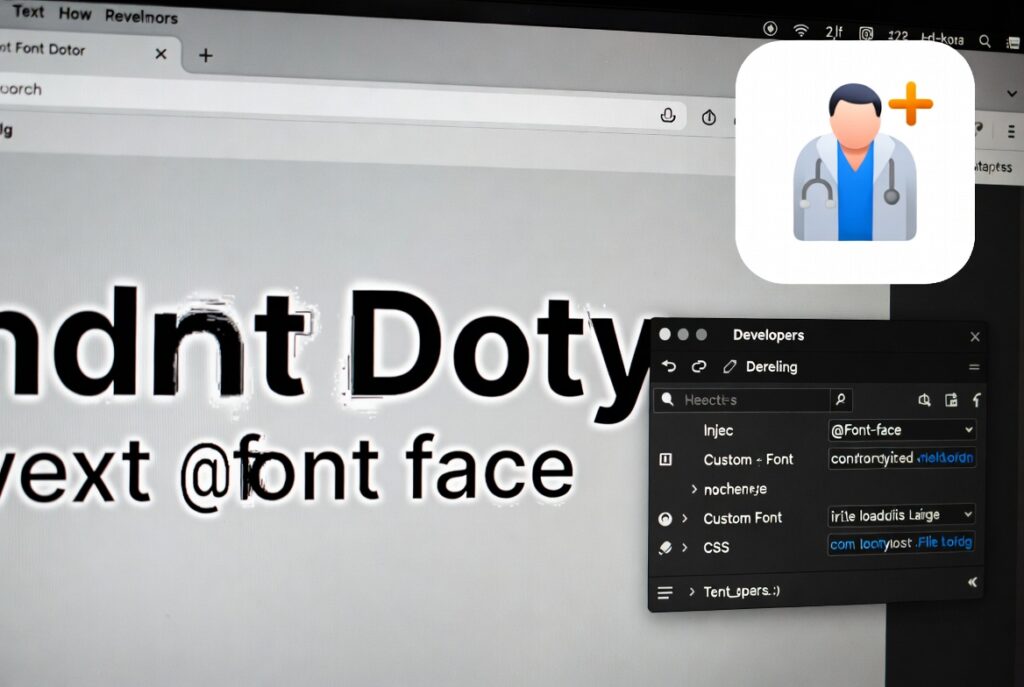
Text editors that run in a web browser have become essential for writing, coding, documentation, collaboration and content production. Because they’re flexible, users can work on almost any device and yet access documents consistently via the web. Many editors allow you to override the normal system fonts with bespoke web fonts that have distinctive typography to boost readability and branding. Custom fonts integration improves visual experience, but could produce rendering artifacts from time to time, which influence clarity, alignment, spacing, and editing accuracy of text. Characters may be blurred, overlap other characters, have different line heights or flicker during an editing session. More frequently than not, these problems arise from the interaction of the browser rendering engines, font loading, graphics acceleration, and text layout algorithms, rather than any deficiency in the fonts themselves. Understanding these connections helps developers and users maintain consistent text rendering, while enjoying the benefits of bespoke typography.
The Mechanics of Browser Text Rendering
Modern browsers have powerful text rendering engines that take the digital font data and render it as characters on the screen. Each character goes through multiple stages: font selection, glyph mapping, layout calculation, anti-aliasing, subpixel positioning, and finally graphics creation. These calculations are done in real time during editing as the user types, deletes, resizes windows or changes document layout. As browser-based text editors change content dynamically in real time, text rendering needs to be very quick, but visually accurate. Small anomalies in this procedure can become apparent when long editing sessions are involved with huge papers.
How Custom Web Fonts Get Loaded
Unlike system fonts that are already present on the local device, custom web fonts need to be downloaded before they can be rendered. Browsers first show fallback fonts while they fetch, verify and prepare the necessary font files for usage. When it is done loading, the browser replaces the temporary typefaces with the one you actually want, and re-calculates the document layout. This implies new spacing measures, letter positioning, and line height computations all the way through the manuscript. If the timings of font loading and layout update are not ideal, then temporary rendering artifacts could emerge while the browser finishes reconstructing the displayed text.
Common Font Rendering Artifacts
Rendering artifacts can in a number of distinct forms , depending on the browser and the font . Repeated scaling or discrepancies in subpixel rendering cause some users to see fuzzy characters. Others see uneven spacing where letters are either close or too far apart from each other after font substitution. While editing is in progress paragraphs may leap and line heights change unexpectedly. Sometimes the text flickers for a moment when the browser switches between the fallback and custom fonts when repeated rendering is updated . These artifacts tend to disappear once the rendering has fully stabilized. However, they can detract from editing comfort and visual consistency when actively modifying the page.
Browser rendering engines’ role
Every browser has its own rendering engine . The engine interprets the online content , handles graphics acceleration and displays typography . Web standards establish the common behavior for loading fonts, however rendering engines execute these standards differently to optimize behavior. The anti-aliasing methods, font hinting, glyph rasterization, and graphics composition all differ a little bit so the characters seem a little different in each of the browsers. Due to variations in internal text processing, a custom font that seems great in one browser may have spacing irregularities or rendering abnormalities in a different one. A big part of why typographic problems occur between browsers are these variances in implementations.
Display Processing and Graphics Acceleration
Many modern browsers use hardware acceleration to speed up rendering, especially when processing complicated pages with plenty of formatting and dynamic interface elements. Graphics processors assist with text layout, resizing and screen redraws, allowing for smoother editing. However, there are times when the interplay between graphics drivers, display hardware, and browser rendering engines can result in visual anomalies in the appearance of fonts. Individual characters are also affected by scaling factors, display resolution and high density screens. These hardware-assisted text processing approaches are often improved by updates to graphics drivers and compatible versions of the browser, which improves rendering stability.
Font design and compatibility problems
Some custom fonts aren’t as well adapted for the editing environment of a web browser. Some fonts are primarily made for print or graphic design and not for producing continuous interactive text. Fonts that are missing complete hinting information, have odd glyph architectures, or have irregular spacing metrics may need further browser tweaks to appear properly at various sizes. Variable fonts are more flexible, but also more complex to produce, as browsers need to calculate several font attributes on the fly. Using carefully chosen fonts that are fully optimized for the web enhances cross-browser compatibility and minimizes the chances of seeing rendering abnormalities.
Types in the Browser Optimized
Good text rendering starts with choosing the right typeface and using it consistently. Well-optimized web font formats can enhance the efficiency of loading and reduce layout recalculation during document initialization. Keeping browsers updated provides access to continual developments in font rendering technology and compatibility. Also, developers should reduce superfluous font replacements in active editing interfaces: the more typeface changes, the more work there is for rendering. Testing it extensively on different browsers, display resolutions and operating systems helps catch typography discrepancies before deployment and results in a more predictable editing experience for all users.
Creating stable web editing environments
With the further evolution of browser technologies, we’ll see more sophisticated support for complex typography, variable fonts, and high-resolution displays. However, continuous accuracy in text rendering calls for cooperation between browser rendering engines, font designers, graphics hardware and online application developers. Organizations can minimize typography problems in browser-based editors by concentrating on optimized font implementation, extensive compatibility testing, efficient graphics settings, and support for modern browsers. By understanding how custom web font injections interact with rendering engines and display systems, developers can create reliable editing environments that preserve visual quality and responsive performance while minimizing distracting font rendering artifacts during everyday content creation.