Managing Version Control Conflicts When Multiple Sync Clients Access the Same Local Git Repository
Managing Version Control Conflicts When Multiple Sync Clients Access the Same Local Git Repository
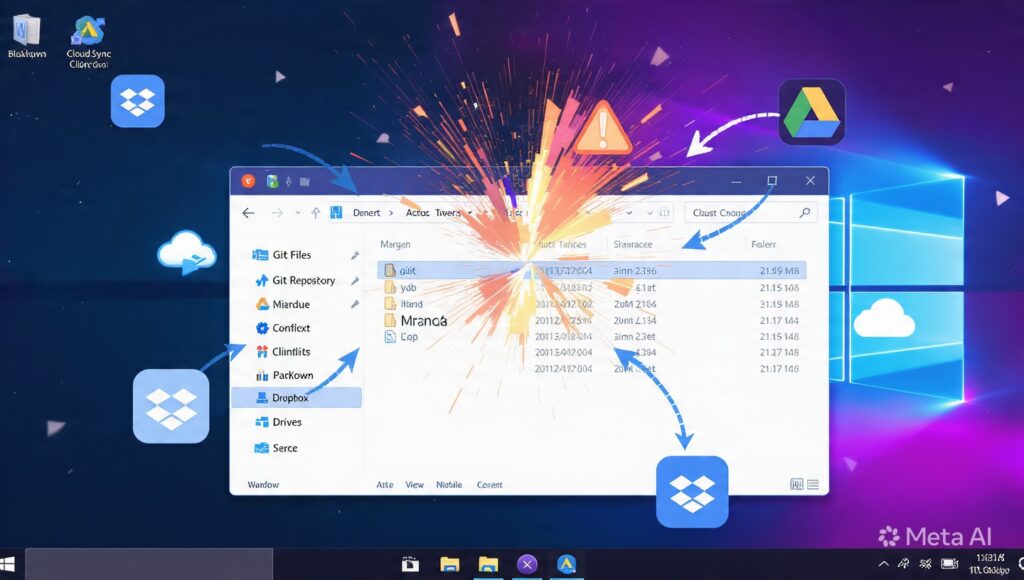
Version control systems are the backbone of modern software development . They allow individuals and teams to keep track of changes in code , collaborate effectively , and have complete project histories . Git is popular among these systems for its distributed development, stable branching, and sophisticated change management capabilities. Meanwhile, cloud sync services have made it possible to keep project folders available across numerous computers, syncing files between devices automatically. Issues can occur if several sync clients are simultaneously watching and modifying the same local git repository. Every sync application tries to keep the files up to date but Git has its own way of keeping track of the integrity of the repository. These independent systems can conflict, causing incomplete updates and unpredictable behavior of the repository. By knowing how Git repositories and synchronisation clients interact, developers can maintain a reliable workflow while protecting important project history.
Understanding the Anatomy of a Git Repository
A Git repository is more than just source code files. Besides the public contents of the project, Git also maintains an internal directory where it stores commit history, branch references, configuration information, object databases, staging information, and repository metadata. All operations – commits, merges, branch creation, history updates – modify these internal records by tightly controlled procedures. Git anticipates the changes to the repo in a predictable order, so the history of the project is correct and internally consistent. This carefully orchestrated structure can be broken by any external operation that changes the files in your repository unexpectedly.
How do cloud sync clients work?
Cloud sync apps monitor chosen folders for file changes and automatically upload or download updated files between linked devices. The major purpose is to assure the availability of identical copies of files on more than one machine with little user participation. Changes are recognized , and synchronization clients compare timestamps , file contents , and version information , before copying altered files to other devices or cloud storage . This approach works quite well for normal papers and media files. Git repositories, however, have their own set of problems. A lot of connected files will change at the same time during normal version control activities.
Why a Repository Access at the Same Time Is Problematic
If you have numerous synchronization clients looking at the same Git repository, they may see modifications to the repository only partially completed before Git has finished its internal processing. A synchronization program may start replicating repository metadata while Git is still writing commit objects, changing references or rearranging its internal storage. However, if another sync client syncs these partial modifications on another device, the repository will be in an inconsistent metadata state, even if it looks structurally complete. These timing discrepancies increase the chances of synchronization problems, repository activities being interrupted, or project history becoming inconsistent across various systems.
Signs of Common Synchronization Conflicts
Competing sync clients on repositories can sometimes produce strange symptoms that aren’t like typical merge conflicts. Missing commits , unexpected repository lock files , incomplete branch updates , corrupted reference information , or errors indicating inconsistent repository state may be encountered by developers . During integrity verification Git could detect missing objects, refuse to do commits, or find corruption in the repository. Sometimes the source code files are intact , but the internal meta data of the repository is inconsistent . In those circumstances it is harder to diagnose because you can see that the project content is fine , but there is some underlying structure that is wrong .
Repo Metadata and Atomic Ops
Many of Git’s operations are atomic, meaning that all the linked changes are made together, as one consistent transaction. This helps to maintain the repository integrity throughout any unforeseen disruptions in development operations. However, synchronization clients typically compare files individually and are not aware of the transactional nature of git. They may transport some changed repository files before others have completed their changes, unintentionally revealing interim repository states to other synced devices. Git is atomic activities depend on synchronized metadata updates, therefore incomplete synchronization can break these operations, increasing the chance of repository inconsistencies.
Impact of collaborative development
Teams who use synchronized local repositories may be confused when the status of the repository unexpectedly differs between computers. One developer might manage to complete commits, while another runs into synchronization problems related to repository information and not the source code itself. Branch history may seem inconsistent or recently completed commits may not be instantly visible across synced systems. This makes it hard to collaborate . Developers can not easily tell whether the differences are due to Git procedures or background sync activity . As your projects become larger and more collaborative, the need to separate version control duties from file synchronization behavior grows.
Methods for Ensuring Repository Stability
Step one to reliable Git workflows is knowing that version control and cloud sync are two separate animals. Git is about project history, branching and collaborative development. Synchronization clients are about moving files across storage sites. If more than one sync app is accessing the repo at the same time, there’s lots of opportunity for uneven metadata transfer. Keeping your synchronization software current helps you stay compatible with the changing filesystem technology and operating system behaviors. Frequent integrity checks of repositories assist detect possible inconsistencies before they impede the continuing development or cooperation between several devices.
Building Reliable Development Pipelines
With the growth of the scope of distributed software development in cloud-connected environments, developers are integrating version control systems with automated synchronization technologies. Both tools are useful on their own, but the interplay between them has to be thought through carefully to keep the repository consistent and the project reliable. Organizations that adhere to explicit synchronization procedures, maintain clean and organized development environments, monitor repository health, and understand the relationship between Git actions and background file synchronization will face less conflicts in their day-to-day work. By understanding how various sync clients interact with Git’s internal repository structure, developers can design effective workflows that preserve source code history, keep repository integrity, and facilitate rapid collaboration in current multi-device development environments.